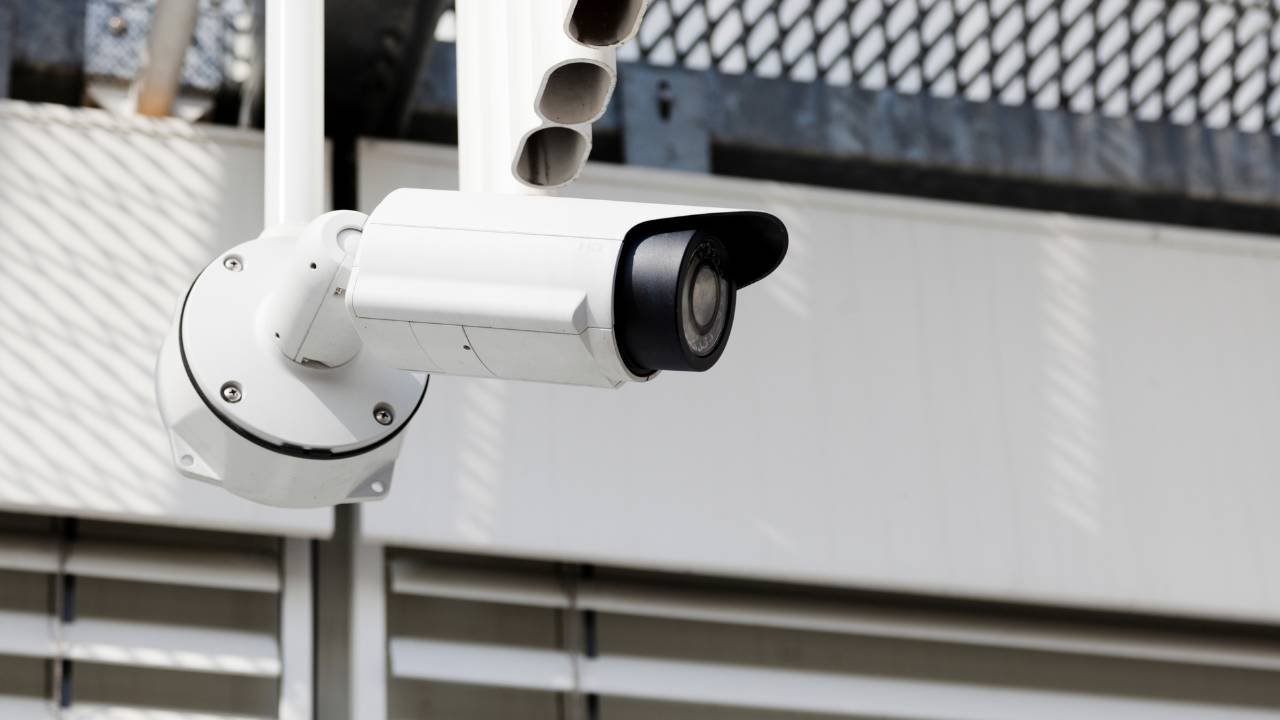
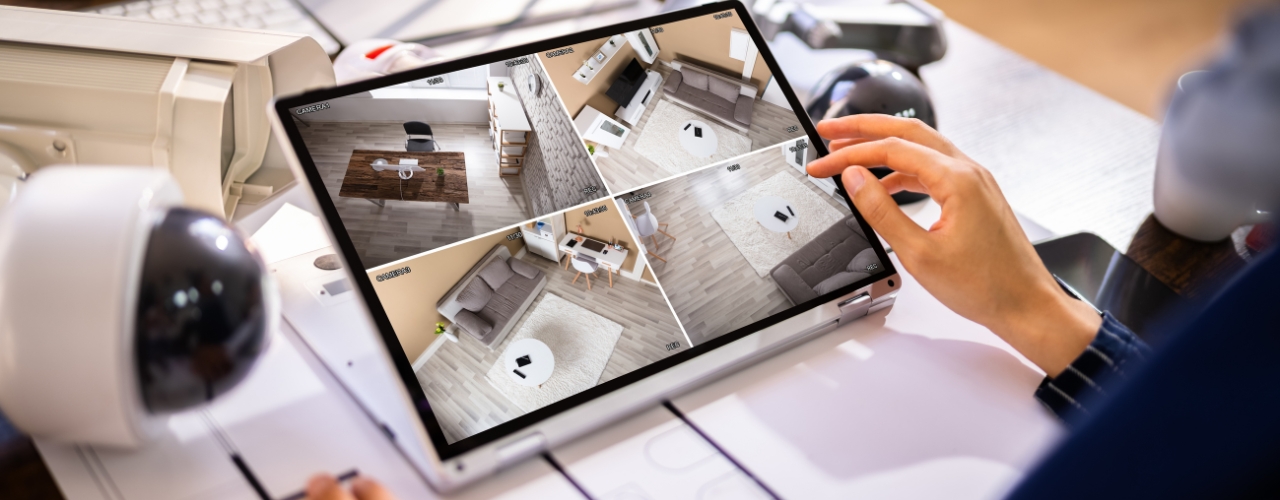
The HD outdoor PTZ camera is designed for professionals who demand superior image quality and smart home automation. To ensure that PTZ-4818-IZ camera maintains perfect focus across all zoom levels, it’s essential to perform a focal length self-check. This quick guide walks you through the exact steps to complete the self-check process efficiently and effectively.
Step-by-Step Operation Guide
Step 1: Log in to the Camera Web Interface
Begin by accessing the camera’s web interface using your browser. Enter the camera’s IP address, then log in with your administrator credentials.

This interface gives you full control over camera presets, system configurations, and diagnostics.
Step 2: Initiate the Focal Length Self-Check
- Call the preset position 111 Once you are logged in: This action sets the initial calibration state for the camera lens.
- Call the preset position 222: The camera will now begin its automatic self-check procedure to calibrate the focal length.
- Wait for approximately 15 minutes: The system will automatically complete the self-check during this period. Avoid interrupting power or network connections while the calibration is running.
- Call preset position 34 after the self-check completed: This command ensures that all adjustments are finalized and the camera’s optical parameters are correctly aligned.

These steps are critical for maintaining image sharpness, ensuring smooth zoom transitions, and preserving long-term stability in surveillance performance.
Step 3: Factory Reset (Optional)
If you wish to restore the camera to its default configuration after testing or maintenance, perform a factory reset.

This will erase all custom settings and restore factory defaults, allowing a clean calibration baseline for future setups.
Best Practices and Tips
- Always ensure the remote control camera PTZ is powered on continuously during the self-check.
- Avoid physical movement or vibration of the camera while calibration is in progress.
- After completion, verify zoom and focus performance at multiple preset points to confirm success.
- Regularly performing focal length self-checks enhances the accuracy of CCTV PTZ camera and prolongs its operational life.
About VIKYLIN
VIKYLIN is a professional video surveillance products supplier, offering a complete range of PTZ IP camera 4K, IP cameras, and NVR systems.
Our mission is to deliver high-performance and reliable security CCTV products to every urse around the world.
Conclusion
If you’re looking to purchase HD outdoor PTZ camera or upgrade or expand surveillance system, contact VIKYLIN today to inquire about the PTZ surveillance CCTV and our full lineup of intelligent security cameras.