Installing a VIKYLIN security camera correctly is crucial to ensuring stable performance and reliable security monitoring. Whether you’re a DIY enthusiast or a professional installer, this guide will walk you through the two main installation methods, viewing options, and essential precautions to help you complete the setup smoothly and effectively. Follow our step-by-step instructions to maximize the performance of your camera.
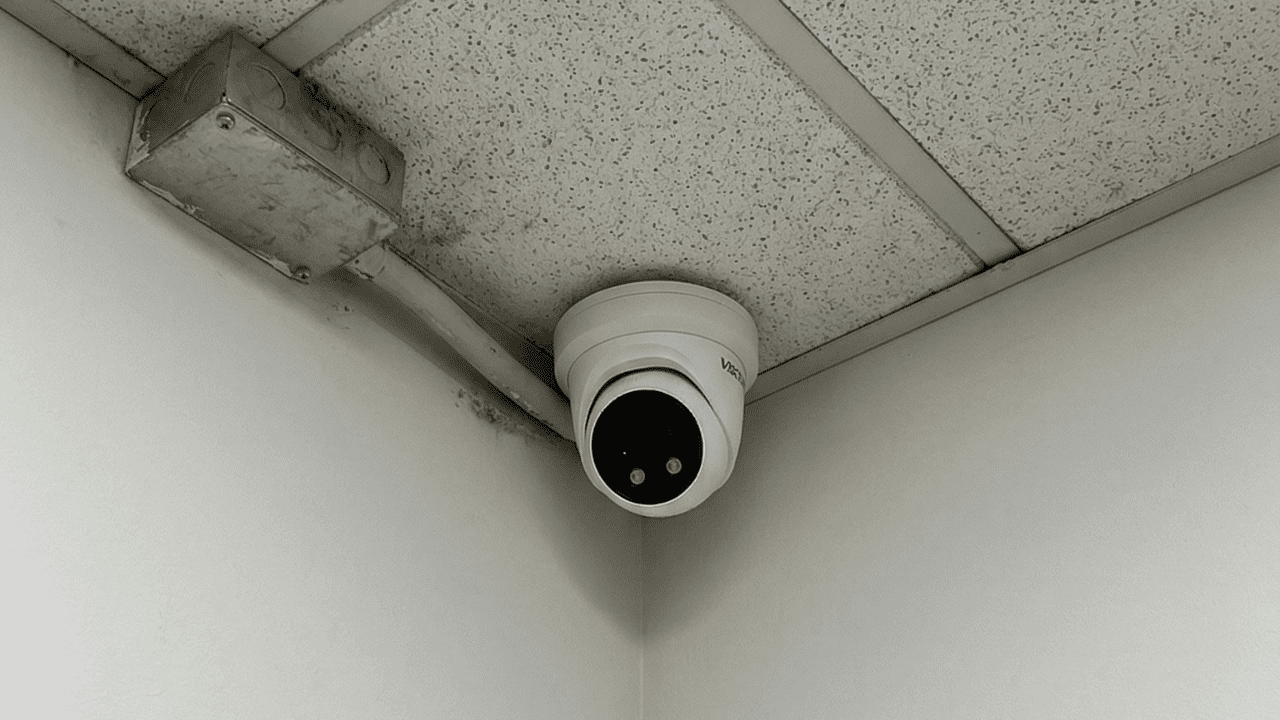
VIKYLIN Security Camera Installation Methods
Choose the method based on whether your camera supports POE.
1. POE-Powered Installation (Recommended)
For POE-supported cameras, one Ethernet cable transmits both power and data:
- Connect one end of an Ethernet cable to the camera’s network interface.
- Connect the other end to a powered POE switch.
- The camera will auto-power on and connect; proceed to viewing setup after initialization.
2. Non-POE-Powered Installation
Non-POE cameras require separate network and power connections:
- Connect an Ethernet cable from the camera to your router/switch/NVR.
- Use a matching power adapter: plug it into an outlet and connect to the camera’s power interface.
How to View VIKYLIN Camera Footage?
Two flexible viewing options are available:
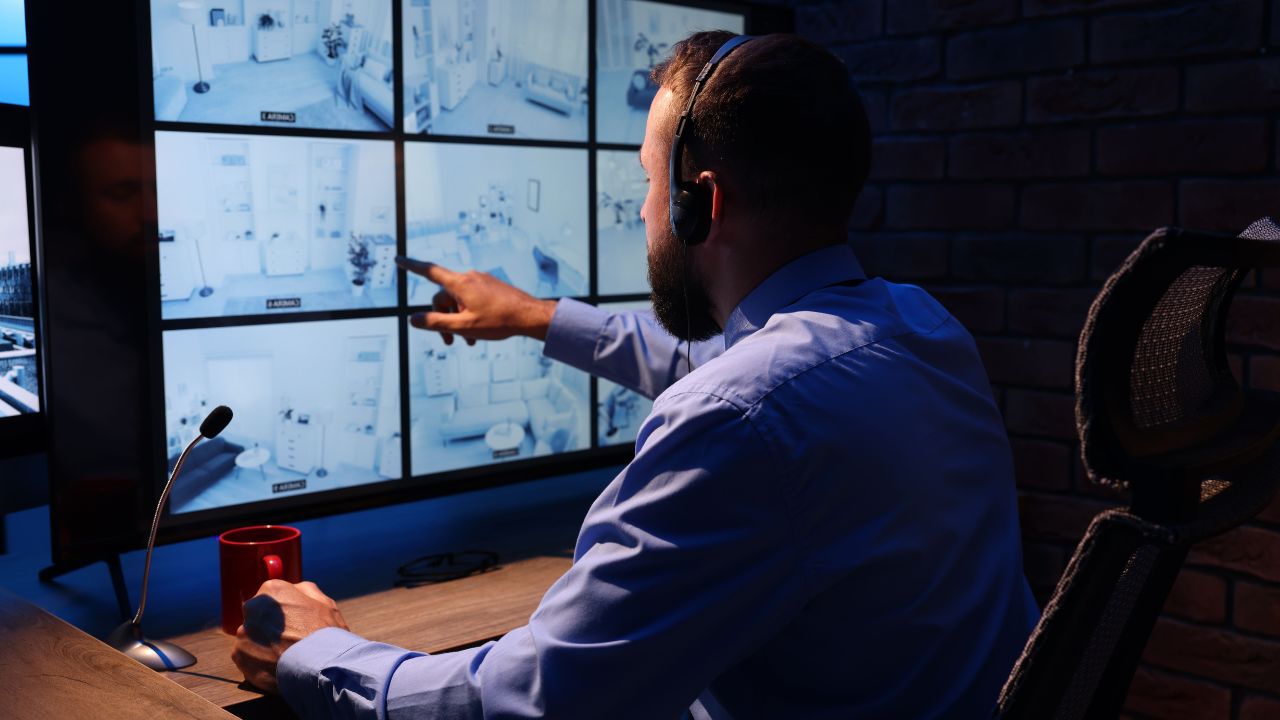
1. BS Architecture (Browser-Based)
- Open IE browser, enter the camera’s IP address (found in the manual/configuration tool).
- Log in with your credentials (change default for security) to view footage and adjust settings.
2. CS Architecture (Software-Based)
- Install the free VIKYLIN software (included or downloaded from the official site).
- Add the camera via its IP, username, and password to access advanced features (multi-camera management, alerts).
Key Installation Precautions
Follow these to ensure long-term camera reliability:
1. Placement & Installation
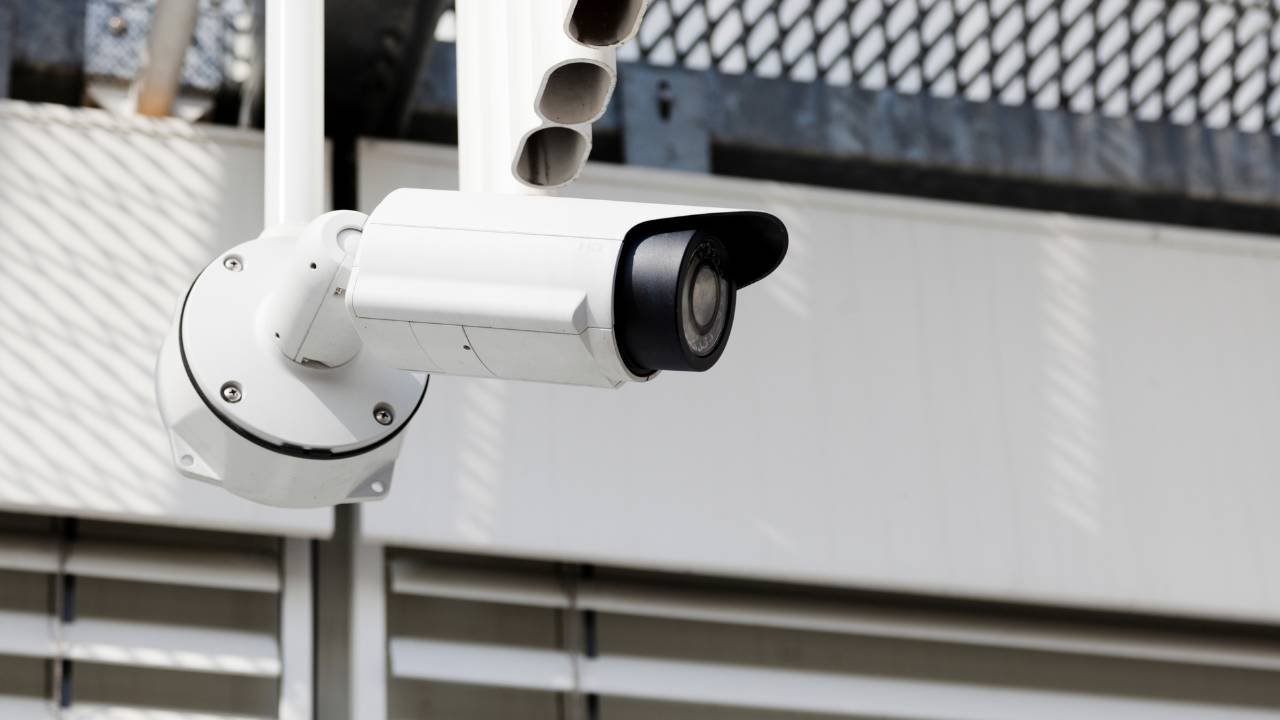
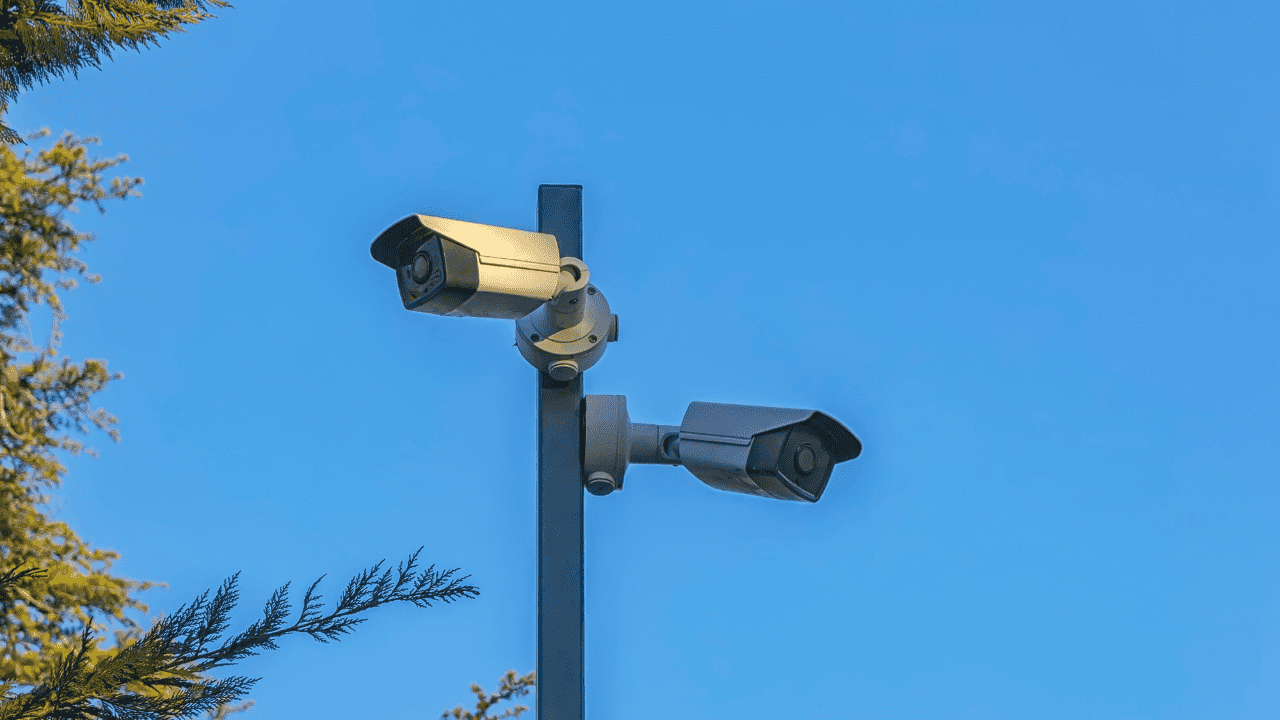
- Keep the camera away from high-voltage cables; use a sturdy bracket.
- Avoid obstructions (road signs, branches) and low-lying areas (to prevent flooding).
- Outdoor cameras need lightning protection and nearby grounding.
2. Wiring Requirements
- Keep signal cables at least 450mm from high-voltage equipment.
- Separate strong and weak current cables; route outdoor wiring along eaves.
- Use sealed steel pipes for buried wiring in open areas (ground at one point, no overhead wiring).
3. Waterproof Requirements
- Use an upward-angled crossbar for L-shaped poles to prevent rainwater ingress.
- Waterproof wiring terminals; wall-mounted cameras’ cable outlets face downward; place adapters in distribution boxes.
- Do not carry dome cameras by their cables; avoid twisting cables during installation.
4. Lightning Protection & Grounding
Ensure cameras, poles, and cabinets are grounded. In high-risk areas, add extra lightning protection and lightning rods.