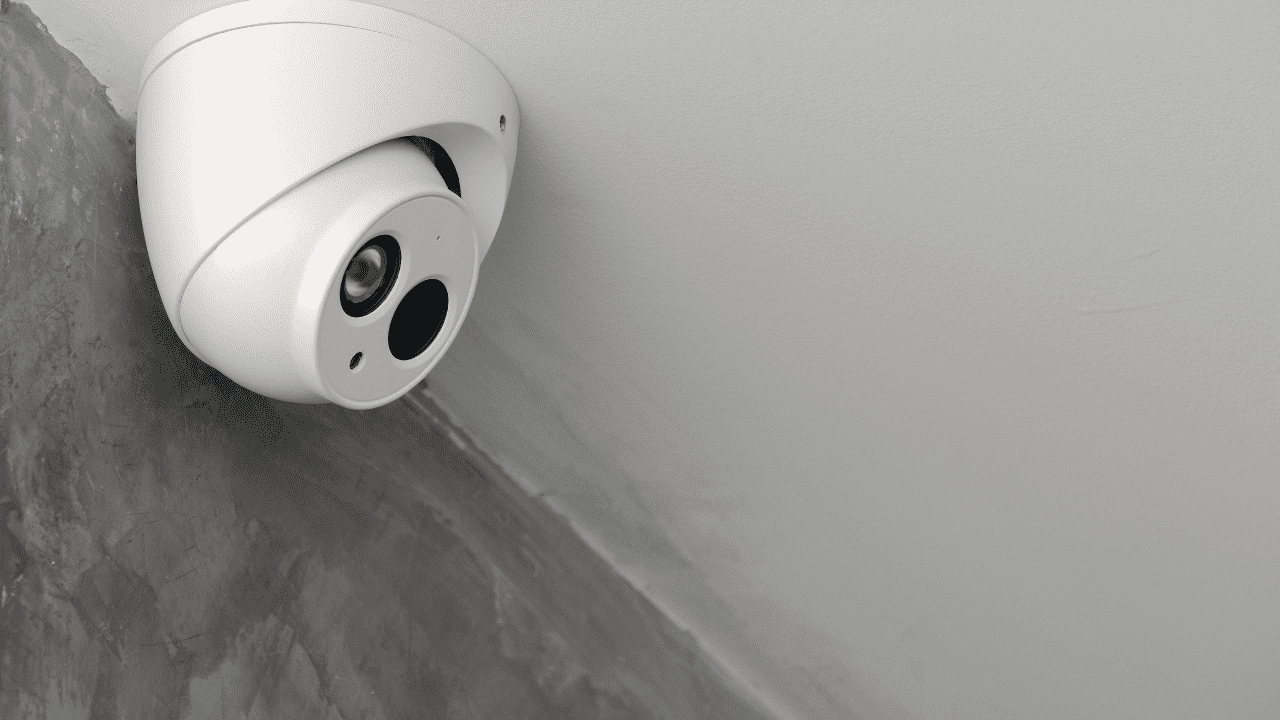
As a security specialist at VIKYLIN, I’ve installed and tested numerous cameras over the years. The AcuSense Hikvision IP camera stands out for its smart detection that reduces false alarms. In this guide, I’ll walk you through selection and configuration based on real-world use.
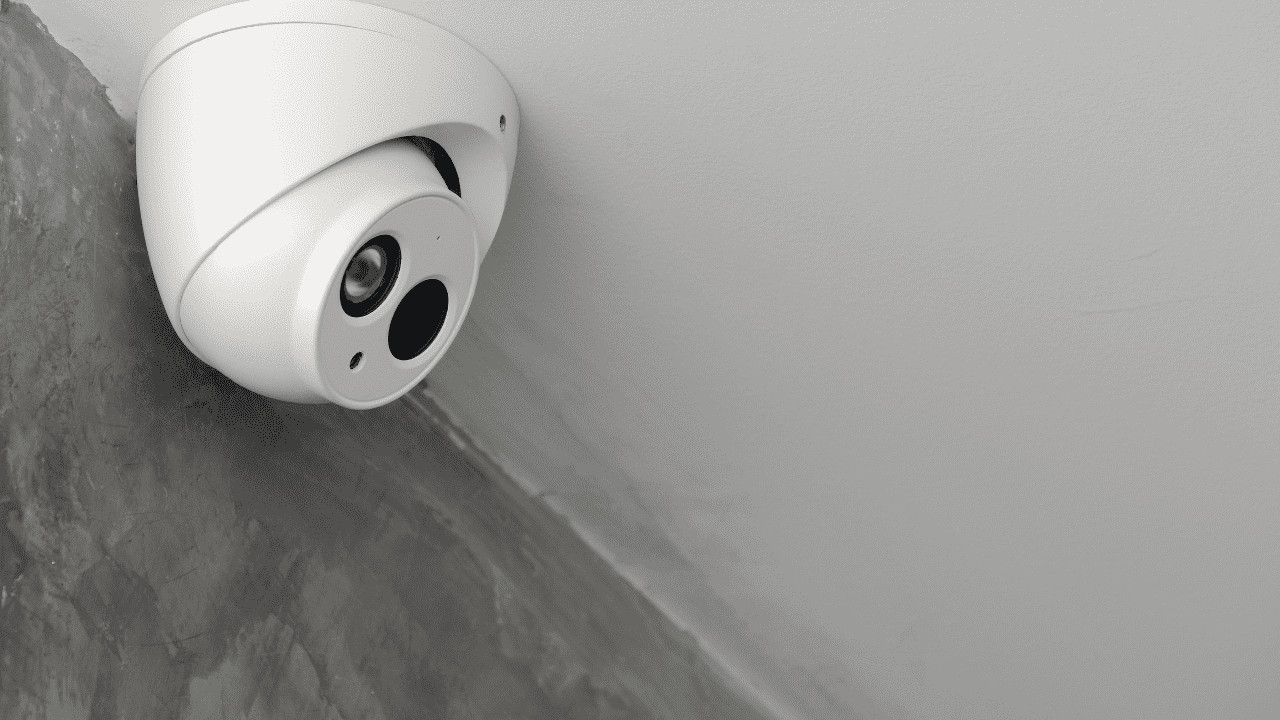
Selecting the Right AcuSense Hikvision IP Camera
Key Features to Consider
Prioritize AI-driven accuracy and build quality. An AcuSense IP camera uses deep learning to focus on relevant threats.
- Check for 4K support if monitoring large areas.
- Ensure weatherproof rating for outdoor installs.
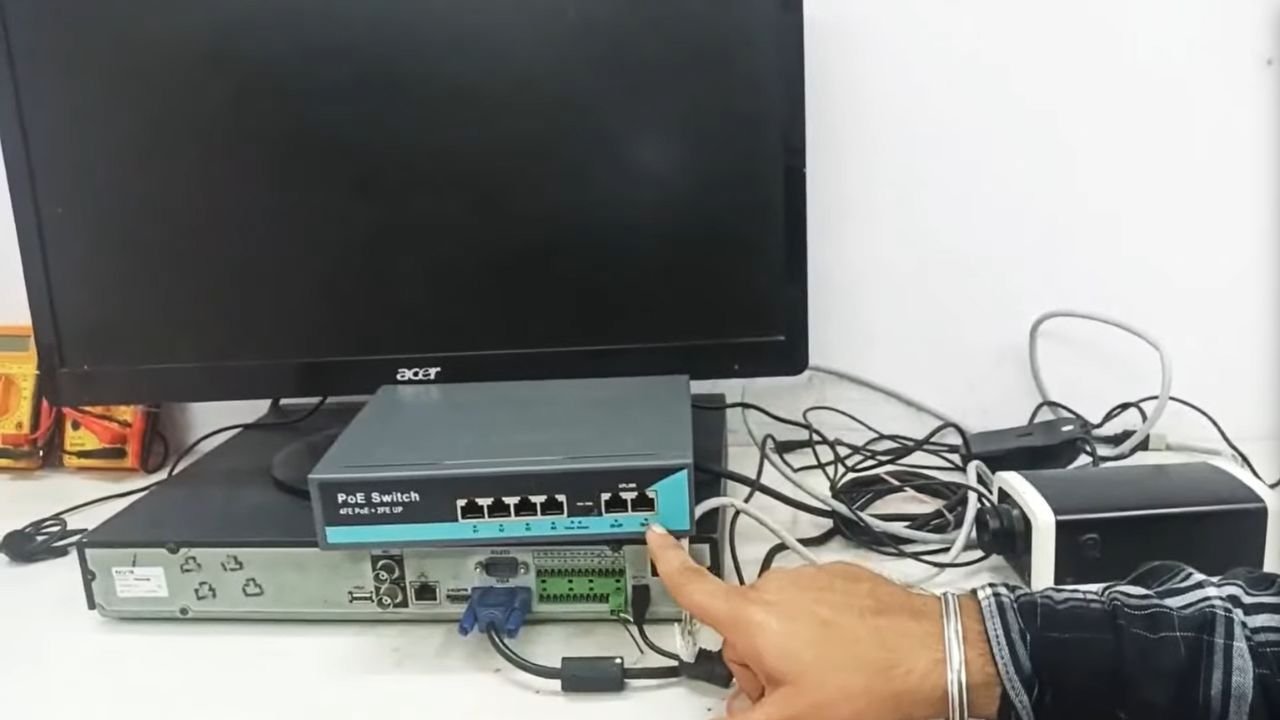
- Verify PoE compatibility to simplify wiring.
Matching Needs to Models
Evaluate your space and threats. For instance, AcuSense camera features like human/vehicle classification improve response times.
- Evaluate field of view: Wider lenses cover more ground.
- Consider low-light performance with IR range up to 50 meters.
- Prioritize storage options like SD card slots for redundancy.
Configuring the AcuSense Hikvision IP Camera
Initial Setup Steps
Start with hardware installation. Mount securely and connect via Ethernet for stable performance.
- Power on and access the web interface using default credentials.
- Update firmware immediately for security patches.
- Set static IP to avoid network conflicts.
Enabling Smart Features
Activate AcuSense for accurate alerts. This tech distinguishes humans and vehicles, cutting down notifications.
- Navigate to event settings and enable line crossing detection.
- Adjust sensitivity based on environment testing.
- Integrate with NVR for centralized management.
Optimizing Performance
Adjust settings for efficiency. A Hik AcuSense camera benefits from customized zones.
- Set resolution to match your display capability.
- Configure motion zones to focus on critical areas.
- Test remote access via app for quick checks.
Recommended Product: VIKYLIN DT386G2 Turret Camera
Based on my hands-on experience, I recommend this model for its robust build and features. Here’s why it fits well with the AcuSense Hikvision IP camera lineup:
https://vikylin.com/product/8mp-fixed-turret-network-camera/
- High-resolution 8MP imaging delivers sharp details day and night.
- Fixed turret camera design ensures vandal-resistant installation.
- AcuSense technology minimizes false alarms from animals or weather.
- Network security camera with encrypted transmission protects data.
- Easy PoE setup reduces cabling needs.
About VIKYLIN
At VIKYLIN, we specialize in security solutions, drawing from years of industry expertise. I’ve seen our products perform in diverse setups, from homes to businesses.
- Direct partnerships with top manufacturers like Hikvision for quality assurance.
- Fast shipping and dedicated support team based in the US.
- Customized consultations to match exact client needs.
- Competitive pricing without compromising on features.
Conclusion
Selecting and configuring the AcuSense Hikvision IP camera boils down to matching features to your needs and testing setups thoroughly. This approach ensures reliable security. For quotes or advice, just contact VIKYLIN support team today, let’s discuss your project.