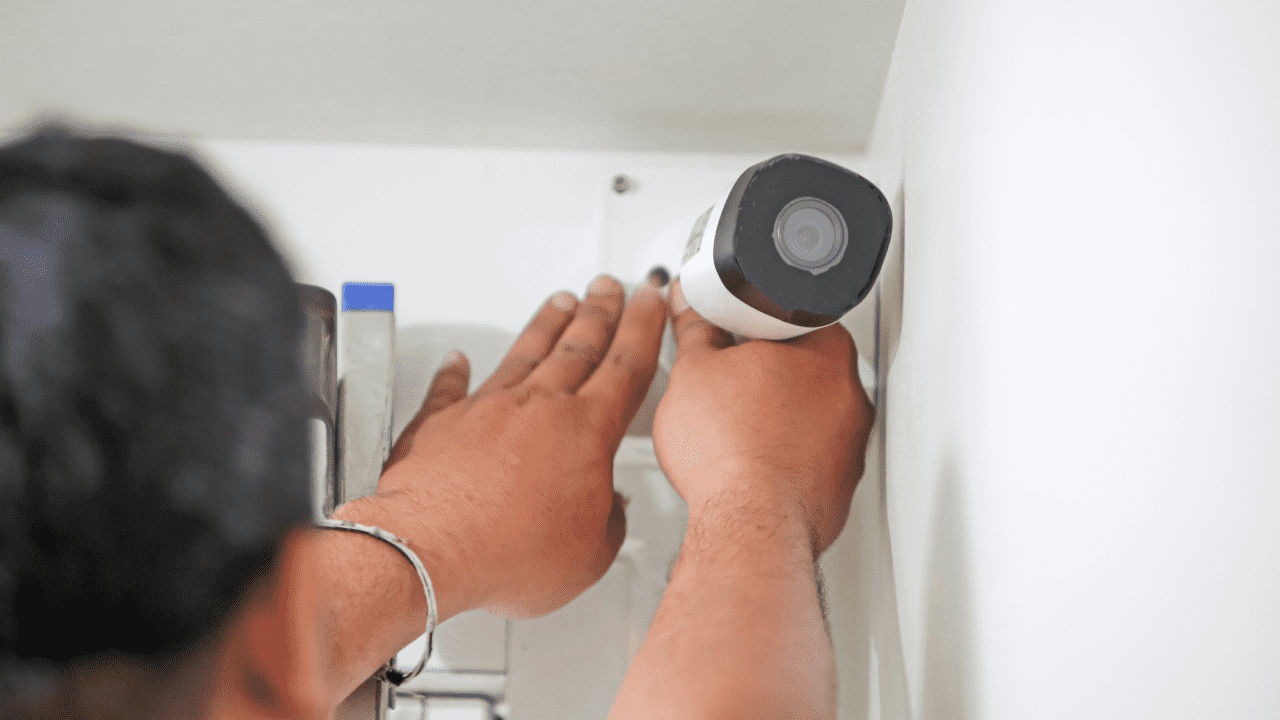
Hikvision IP camera SD card recording setup allows the camera to store video directly on the SD card without using an NVR. This short guide explains how to install the SD card, format it, and enable recording through the camera web interface using correct and standard steps
Step 1: Install the SD Card into the Camera
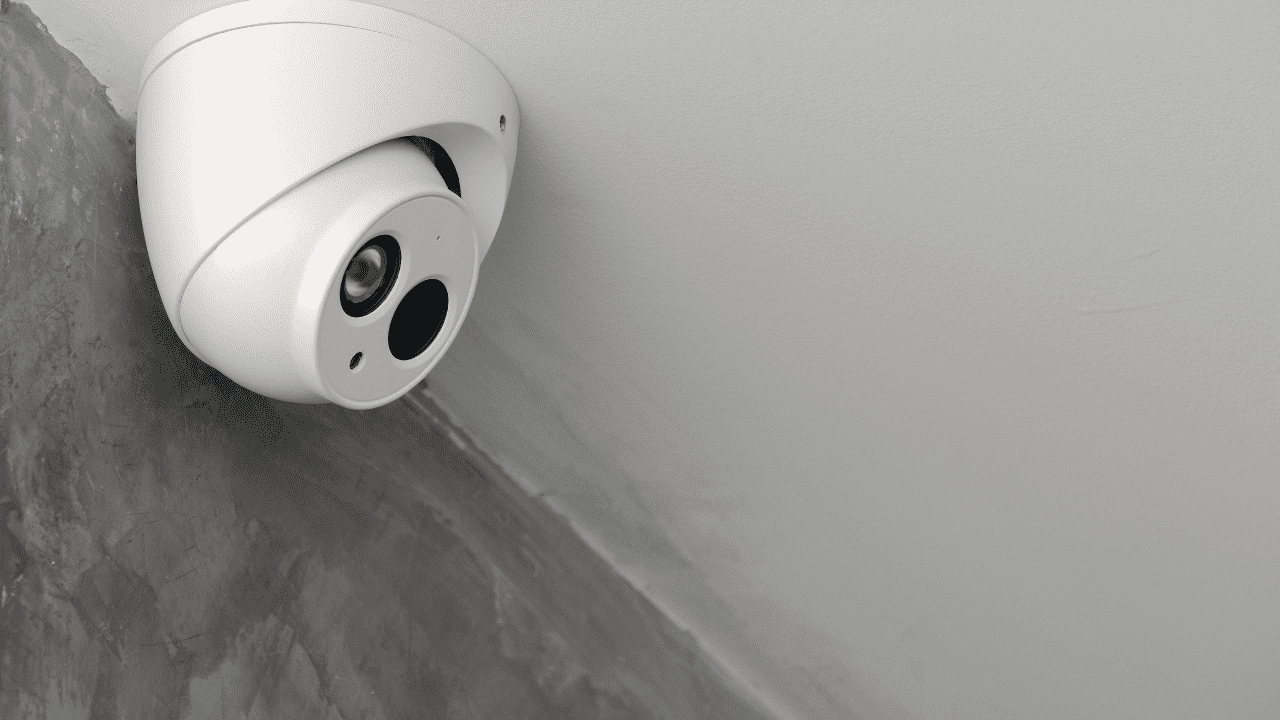
- Insert the SD card into the SD card slot of the Hikvision IP camera.
- Make sure the SD card is properly installed before powering on the camera.
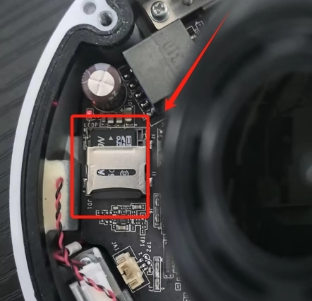
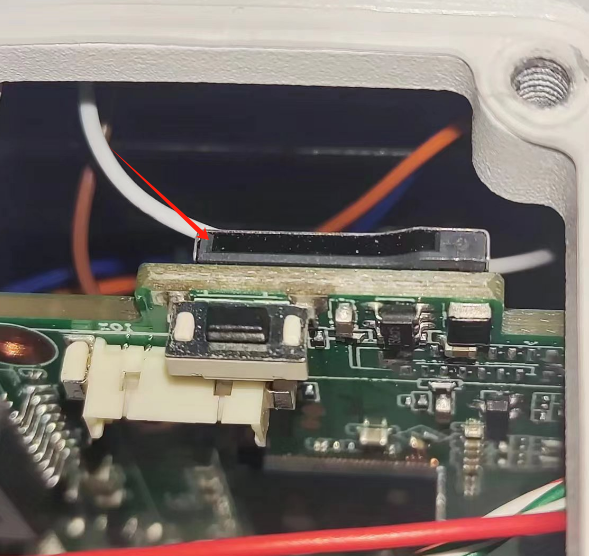
Step 2: Format the SD Card in the Web Interface
- Log in to the camera web page.
- Go to Configuration – Storage – Storage Management.
- Select the SD card.
- Click Format to initialize the card.
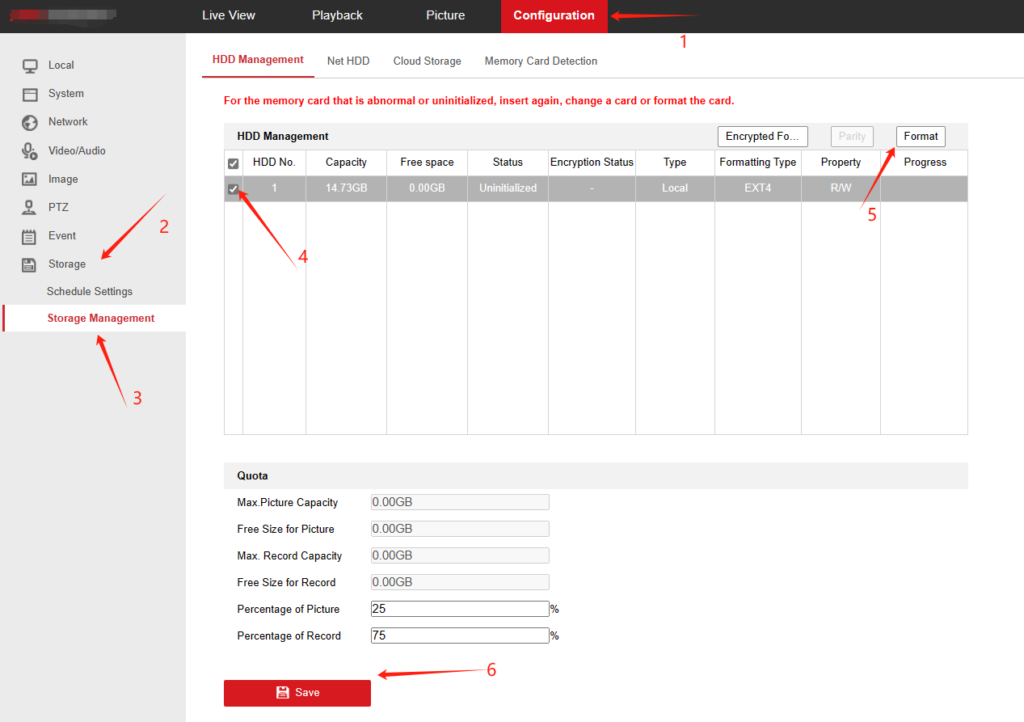
Formatting is required before the camera can start recording video to the SD card.
Step 3: Configure the Recording Schedule
- Go to Schedule Settings – Record Schedule.
- Check Enable.
- Select the required video type.
- Draw the video timeline to set the recording period.
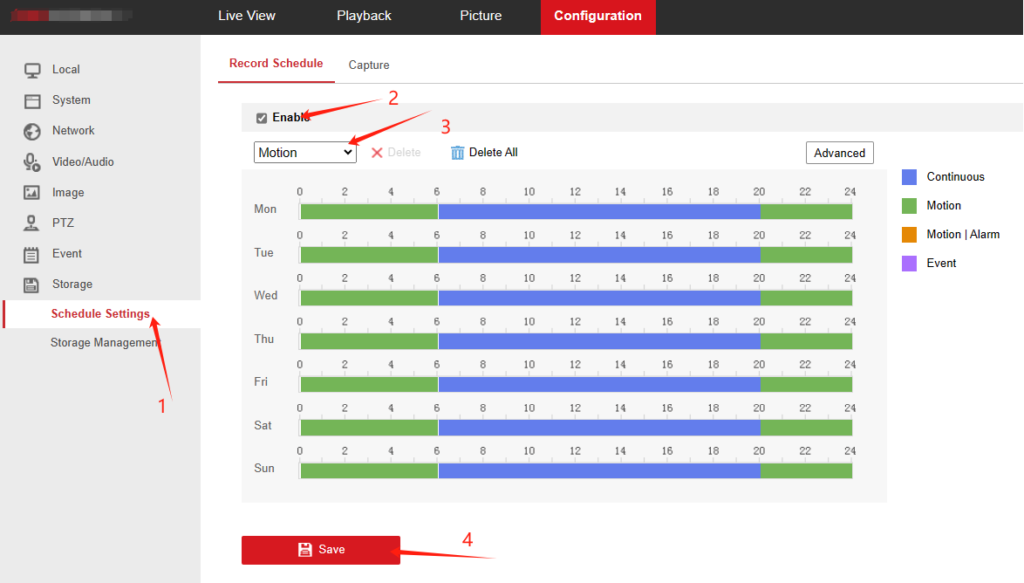
After saving the settings, the camera will record video according to the schedule.
About VIKYLIN
VIKYLIN supplies professional IP cameras and CCTV solutions for security projects worldwide. We provide original surveillance products, technical support, and flexible logistics services for CCTV installers and distributors.
Conclusion
With these simple steps, Hikvision IP camera SD card recording can be configured quickly and correctly. If you are looking for Hikvision IP cameras or professional surveillance products, contact VIKYLIN for product details and pricing support.