Setting up a Hikvision IR camera correctly ensures clear surveillance in low-light conditions. Using the Day/Night Switch and Smart Supplement Light allows your camera to capture reliable images automatically at night. This guide provides the exact steps to configure these features efficiently.
Step-by-Step Configuration Instructions
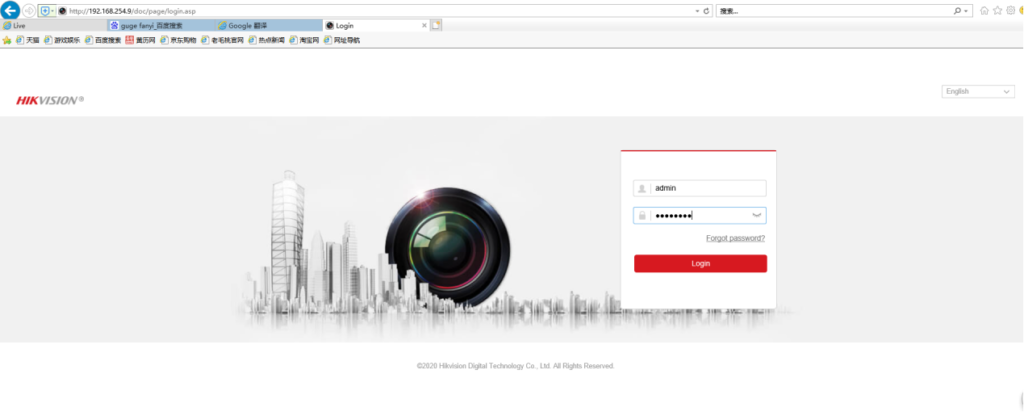
1. Log in to Camera Web Interface
- Open Internet Explorer.
- Enter the camera IP address in the browser search bar.
- Log in with your credentials.
2. Configure Day/Night Switch and Smart Supplement Light
- Navigate to Configuration → Image → Display Settings → Day/Night Switch.
- Use the Day/Night Switch to switch between day and night modes.
- Turn on Smart Supplement Light manually if needed.
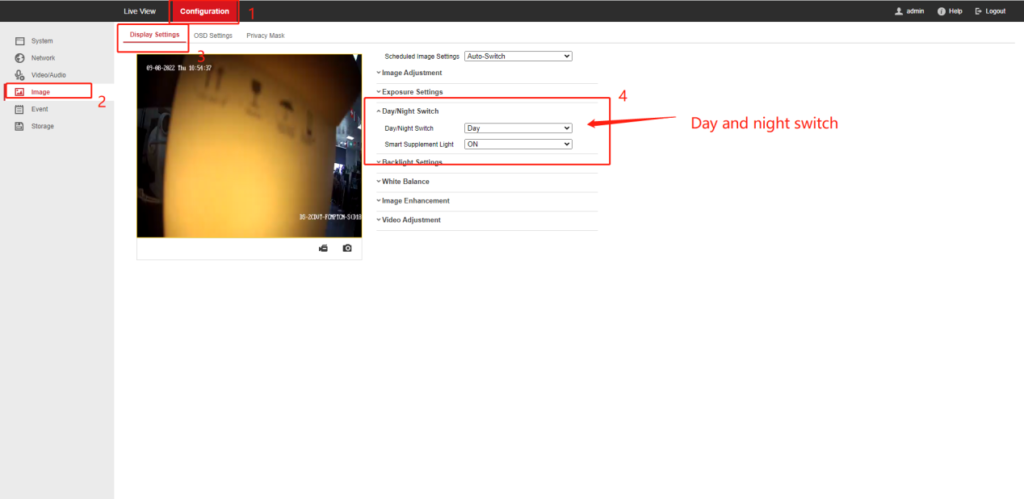
Note: Follow these steps exactly; no other settings are required.
Why Day/Night Switch Matters?
The Day/Night Switch determines whether the camera captures color images during the day or switches to infrared black-and-white mode at night. Correct configuration ensures clear images and reliable night vision performance.
Tips for Using Smart Supplement Light
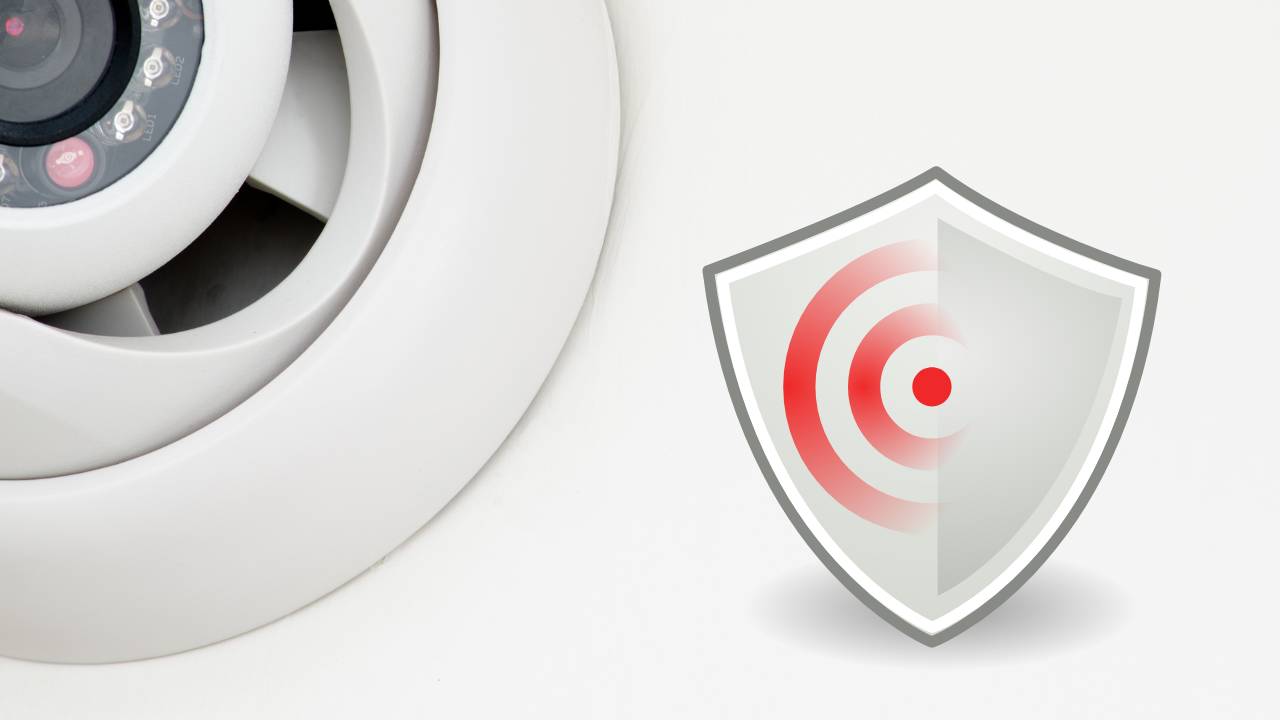
The Smart Supplement Light improves visibility in very low-light areas. Use it when needed, and test in your environment to ensure optimal results without overexposure.
About VIKYLIN
VIKYLIN provides professional surveillance cameras and security solutions. We offer genuine products, reliable support, and fast logistics to help you set up Hikvision CCTV surveillance system effectively.
Conclusion
Following these steps allows you to configure Hikvision IR CCTV camera effectively. For product inquiry or support for night vision surveillance, contact VIKYLIN today, we provide professional guidance for all your security camera needs.