
Upgrading your surveillance setup is more than just swapping old cameras for new ones. Whether you’re managing a residential or commercial CCTV system, understanding upgrade security cameras is essential before making any changes. From performance needs to future-proofing your solution, the right upgrade decisions lead to better protection and long-term use.
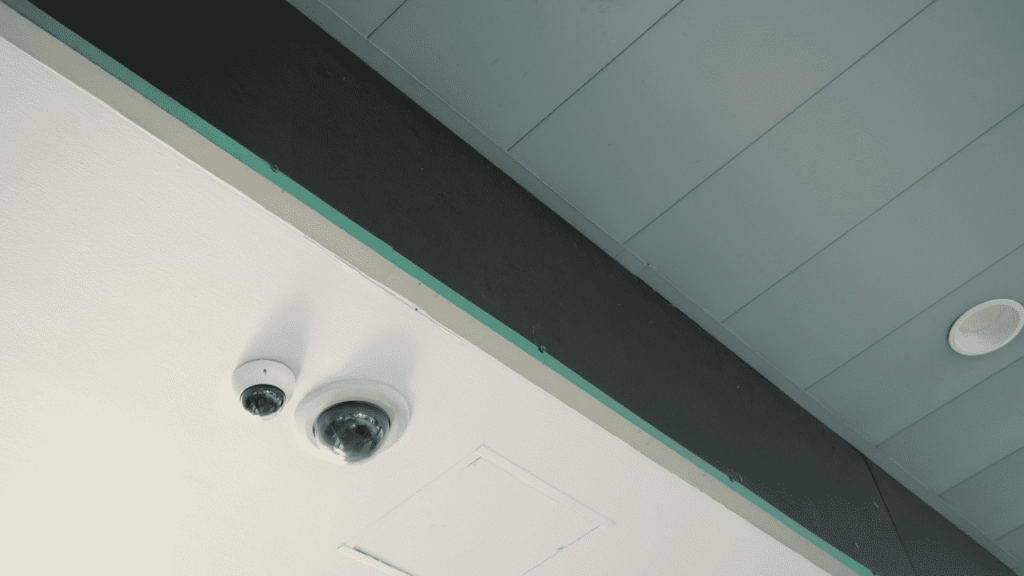
🎯 Assess Current System Limitations
Before you consider security camera upgrade tips, start by reviewing your existing system:
- Resolution & Image Quality: Older units may lack HD or 4K clarity. Upgrading to higher resolution cameras improves identification and evidence quality.
- Night Vision & Low-Light Performance: If your coverage suffers after dark, better IR or low-light tech is worth.
This early assessment helps you define exactly what upgrades are necessary.
📶 Check Connectivity & Network Compatibility
Most CCTV systems use IP networks or Power over Ethernet (PoE). When you look at how to upgrade home security cameras, consider:
- Wired vs Wireless: Wired setups offer stable power and bandwidth; wireless provides easier installation but may suffer interference.
- Network Bandwidth: Higher resolution cameras need more network capacity. Ensure your current network can handle it without lag.
These connectivity details influence both performance and future scalability.
Evaluate Smart Features and Software Support
Upgrading isn’t only about hardware. Software matters too. For CCTV upgrade guide and long-term usability:
- AI Detection: Motion, face, or vehicle detection can reduce false alerts.
- Remote Viewing: Cloud or app access for real-time monitoring is a must‑have today.
Choose cameras with reliable software updates and support to keep your system modern.
Budget, Installation, and Maintenance
Even with best security cameras upgrade in mind, keep these in view:
- Budget: Set realistic expectations. Higher performance often means higher upfront cost but lower maintenance later.
- Installation Costs: Factor in professional installation if needed, especially for complex systems.
- Ongoing Support: Warranty and service availability influence total cost of ownership.
Budgeting realistically prevents surprises later in system performance and costs.
Why Choose VIKYLIN Security Camer?
When evaluating upgrade security cameras, partnering with a trusted IP camera supplier makes the process smoother. At VIKYLIN, we deliver:
- Authenticity Guarantee: All products are genuine and quality‑checked.
- After‑Sales Support: Professional assistance for installation and troubleshooting.
- Efficient Logistics: Fast, reliable global shipping and delivery support.
- Customized Solutions: From residential to commercial CCTV systems, we tailor to your needs.
Our expertise helps customers not only choose security cameras but do so with confidence and long-term reliability.
Conclusion
Upgrading CCTV system should be thoughtful and strategic. Consider resolution, connectivity, smart capability, budget, and tech support when you upgrade security cameras.
If you’re ready to take the next step, contact VIKYLIN for professional advice and a tailored quote on your security camera upgrade needs. Let our experts help you choose the right CCTV solution.
