If you’re looking to enhance your security system’s efficiency, Dahua NVR (Network Video Recorder) is a robust solution. However, accessing your Dahua NVR remotely might be challenging if you’re not familiar with the setup. In this guide, we’ll walk you through the process of setting up remote access to Dahua NVR.
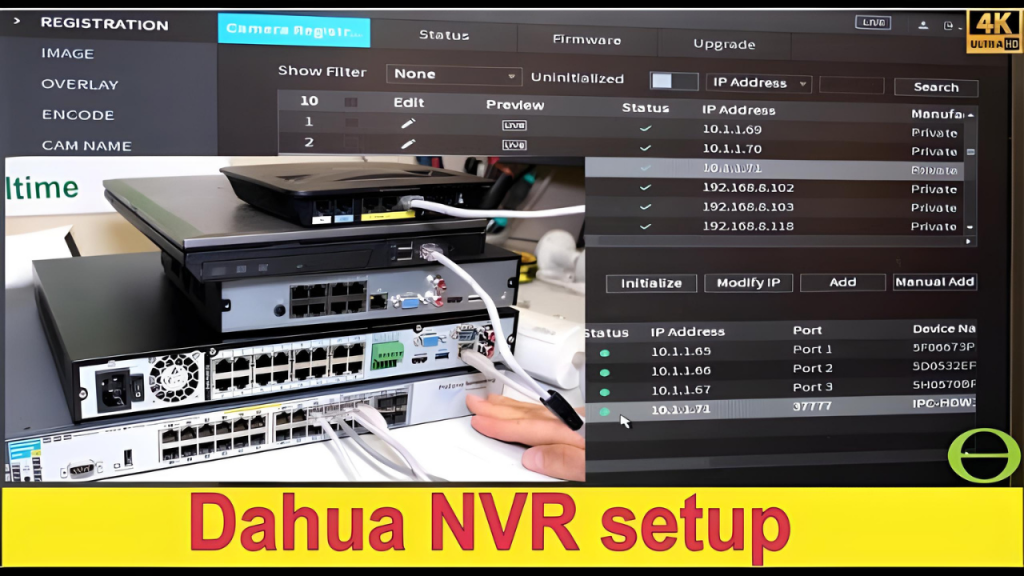
Details Steps about Access Dahua NVR Remotely
Step 1: Gather Your Tools
- Computer or smartphone with internet connection.
- Dahua NVR setup guide (usually included with your device).
- Optional: SSH client for advanced access (if your NVR supports it).
Step 2: Enable Remote Access
Connect to the Network:
Ensure your Dahua NVR is connected to the same network as your computer or smartphone. Use a wired or wireless connection, depending on your setup.
Check IP Address:
Open a web browser and navigate to http://[your NVR IP]/. If you don’t know your NVR’s IP, log in using the username and password provided in your setup guide.
Access Web Interface:
Once you’re on the web interface, look for an option like ” remote access” or “network configuration.”
Configure Remote Access
Change Username/Password
If prompted, update the username and password for remote access.
Set Up SSH Access (if supported):
- Log into SSH using the command:
- ssh -p
- Replace with the port number listed in your setup guide.
- If you encounter issues, check your firewall settings.
Step 3: Troubleshooting
- Port Conflict: If you’re using SSH, ensure no other application is using the same port.
- Firewall Settings: Check your firewall to allow incoming SSH connections.
- Connection Issues: If you can’t access the NVR, test your network connection or contact your network administrator.
Step 4: Best Practices
- Test Network Connectivity: Always test your network connection before attempting remote access.
- Use Strong Credentials: Ensure your username and password are secure and not easily guessable.
- Regular Updates: Keep your Dahua NVR software updated to ensure compatibility with the latest remote access features.
Conclusion
Accessing your Dahua NVR remotely can significantly improve your security system’s efficiency. By following these steps, you’ll be able to monitor and manage your cameras from anywhere. For more detailed instructions, refer to your Dahua NVR setup guide or consider enrolling in an online course on Dahua security systems.